
KI-156
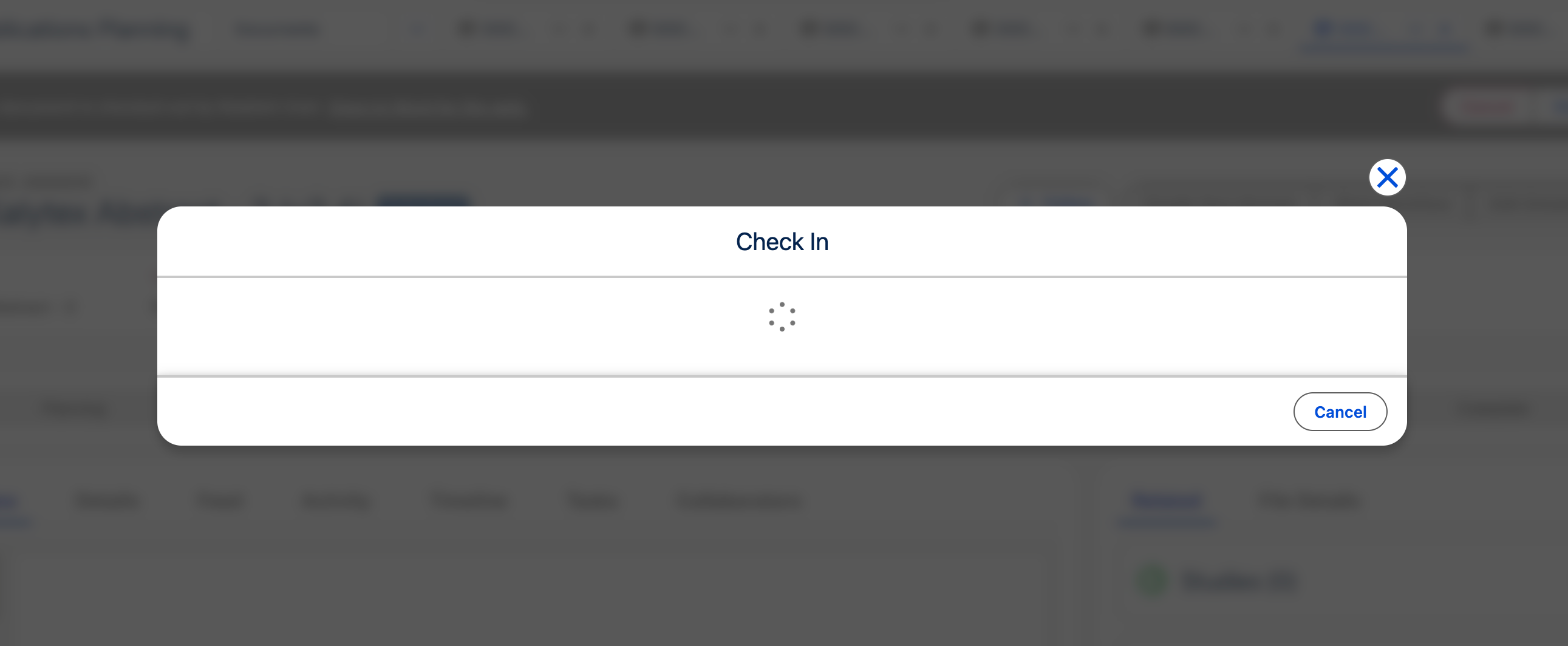
Spinner stays on screen when checking in Microsoft 365 documents in Fall '25
| Created date | 07/13/2026 | Updated date | 07/13/2026 |
|---|---|---|---|
| Status | Salesforce Dependency | Related work item | PLTFM-3650 |
| Description | In Fall '25, when checking in Microsoft 365 documents, a spinner stays on the screen indefinitely and the check-in does not complete. Root cause: Salesforce Summer '26 includes an update that affected the check-in behavior for Microsoft 365 documents. | ||
| Affects version(s) | Medical Information Cloud Fall '25 | Impacted capabilities | Regulated Content Cloud |
| Steps to reproduce |
 | ||
| Workaround | Disable LWS or upgrade to Spring '26. | ||
| Fix version | Medical Information Cloud Spring '26 | Resolution notes |